






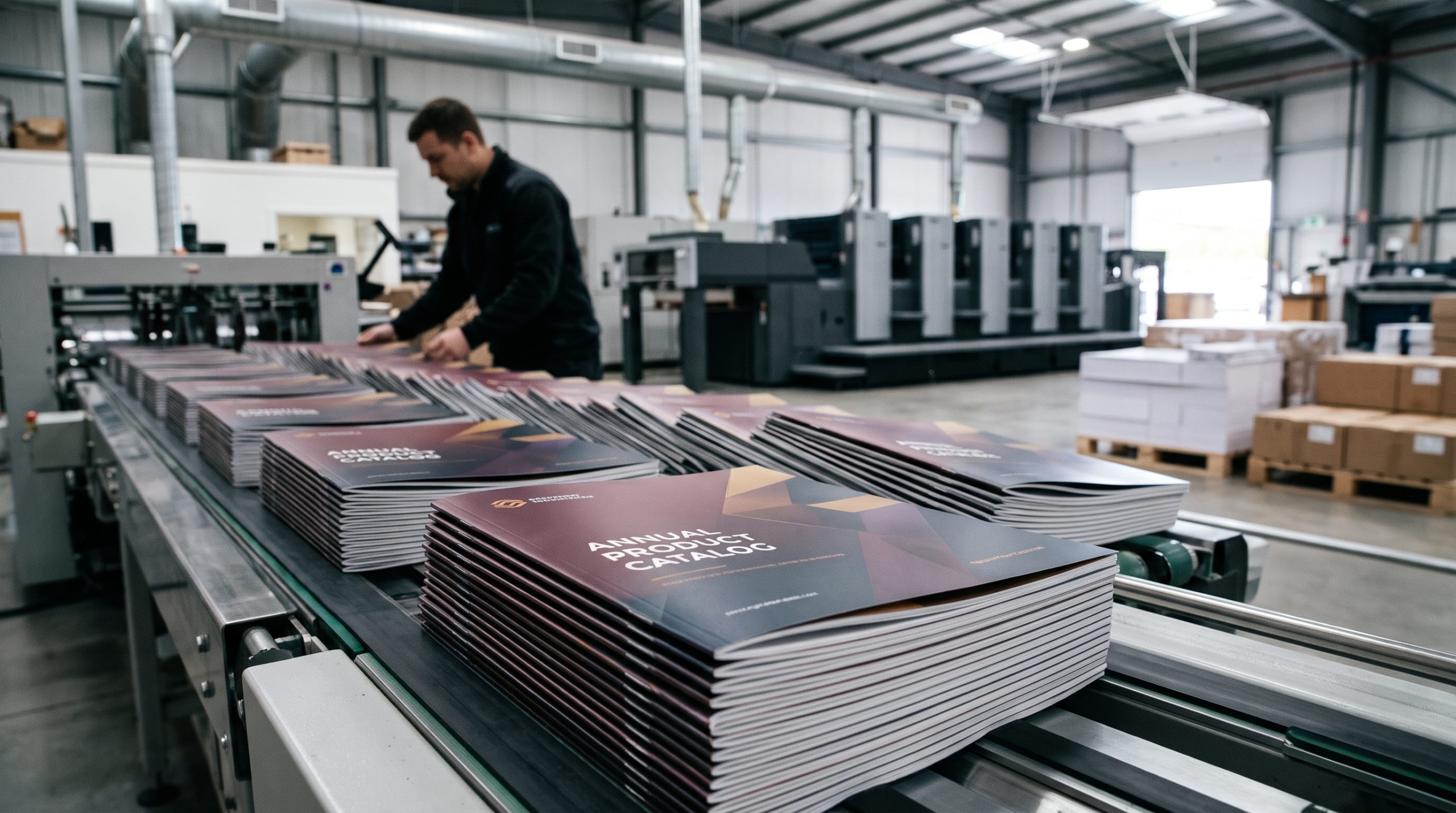
The fastest way to choose a catalog printing company in Irvine is to match the job to the press, not the other way around. Short runs with frequent version changes usually belong on a digital press; long runs on coated stock almost always cost less on offset. Ask any Irvine printer three questions up front — what press will run my job, what’s the minimum quantity for the price break, and how long from proof approval to delivery — and you’ll separate serious shops from brokers within one phone call.
This guide covers what catalogs actually require, how pricing works, what to check in a proof, and the mistakes that cost Orange County businesses the most money.
What a Catalog Project Actually Involves
A catalog isn’t a brochure with more pages. It has its own production logic: page counts must land in multiples of four, binding method drives the page limit, and paper weight has to balance against postage. Get any of those wrong and you either pay for reprints or ship a product that falls apart on the second read.
Most catalogs fall into four buckets:
- Product catalogs — retail and wholesale, usually 16–64 pages, heavy on photography, often with a mailing or distribution plan attached.
- Trade and B2B catalogs — specification-heavy, denser layouts, fewer images, longer shelf life.
- Lookbooks and sales tools — smaller runs, higher paper quality, often handed out in person.
- Fundraising and auction catalogs — deadline-driven, frequently updated, and often printed in small batches across multiple versions.
Each one pushes toward a different press, binding, and finishing combination. A 5,000-copy retail catalog and a 300-copy auction catalog might look similar on screen and have almost nothing in common in production.
Digital vs. Offset: How to Decide
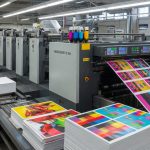
This is the single biggest cost lever, and it’s where inexperienced buyers get steered wrong. Offset printing carries setup costs — plates, make-ready, wash-up — that get spread across the run. Digital has almost no setup but a higher per-piece cost that stays flat as quantity climbs.
| Factor | Digital | Offset |
|---|---|---|
| Typical sweet spot | Roughly 50–1,000 copies | Roughly 1,000+ copies |
| Version changes | Easy and cheap | Costly per version |
| Paper options | Good, but limited on heavy coated stocks | Widest range, including heavy text and cover weights |
| Color consistency across long runs | Very good on modern presses | Excellent |
| Turnaround | Often days, sometimes faster | Longer, especially with finishing |
The crossover point isn’t fixed. It depends on trim size, page count, paper, and whether the job needs special finishing. A 32-page catalog on 100 lb text might flip to offset around 1,000 copies; a 96-page catalog with a laminated cover might not flip until higher. Ask for quotes at two or three quantities and let the numbers show you where the break falls.
When variable data changes the answer
If you’re producing regional versions, dealer-specific pricing, or personalized covers, digital usually wins even at higher quantities because each version needs its own setup on offset. Irvine has a large concentration of medical device, tech, and B2B firms that mail segmented catalogs to different account tiers — that’s a digital job almost every time.
Paper, Binding, and Finishing Choices That Matter
Paper is where catalogs feel expensive or cheap, and it’s also where budgets quietly blow up. A few practical rules:
- Cover stock should be heavier than the text — commonly 80 lb or 100 lb cover, often with a matte or soft-touch laminate if the catalog will be handled repeatedly.
- Text stock in the 80–100 lb range is standard for product catalogs. Lighter stock shows through on image-heavy pages.
- Coated vs. uncoated changes color perception. Coated stocks hold ink on the surface and look glossier; uncoated absorbs ink and reads softer. Proof on the actual stock if color accuracy matters.
Binding follows page count and use. Saddle-stitching (staples) works well up to roughly 64–80 pages depending on paper weight and is the cheapest option. Perfect binding — the squared-off spine — handles thicker books and looks more permanent. Spiral and wire-o bindings are worth considering for manuals or catalogs that need to lie flat on a counter or workbench.
Finishing that earns its cost
Aqueous coating and lamination protect covers from fingerprints and scuffing during shipping. Spot UV and foil stamping add cost and rarely pay back unless the catalog is a sales piece handed to decision-makers. Die-cut tabs and index dividers help on thick reference catalogs where readers need to find sections fast — skip them on 24-page retail books.
How Catalog Printing Pricing Actually Works
Nobody quotes catalogs from a single number. Price is a stack of variables, and understanding the stack lets you make smart trade-offs instead of accepting the first quote.
- Page count — in multiples of four, and every additional signature adds paper and press time.
- Trim size — standard sizes (8.5×11, 6×9, 5.5×8.5) use paper more efficiently than custom dimensions and usually cost less.
- Quantity — the per-unit price drops sharply as you approach a press break, then flattens.
- Paper — a heavier or specialty sheet can move the price more than a 20% quantity change.
- Finishing — binding, folding, laminating, and drilling each add labor and machine time.
- Proofs — hard-copy proofs cost money but catch errors that reprints cost far more to fix.
- Delivery and mailing — polybagging, labeling, and postage prep add real cost if you’re distributing by mail.
One more factor that surprises people: postage. A catalog that weighs slightly over a postal threshold can cost significantly more to mail across thousands of pieces. If mailing is part of the plan, confirm the finished weight before you commit to paper.
Prepress and Proofing: Where Catalogs Get Saved
Most catalog disasters are caught — or missed — before ink touches paper. A printer who pushes you through prepress quickly without questions is not doing you a favor.
Expect a real prepress review to cover image resolution (300 dpi at final size), color space (CMYK, not RGB), bleed (typically 1/8 inch), and safe margins for text near trim. Fonts should be embedded or outlined. If your team built the file in a page layout program, ask whether the printer prefers packaged files or PDF/X exports — either works, but consistency prevents surprises.
What to check on a proof
Proof on the actual stock when color matters. Then check these, in this order:
- Every page number and cross-reference, since catalogs are full of “see page 34” calls.
- Pricing and SKU accuracy — the most common and most expensive catalog error.
- Image crops, especially faces and product edges near trim.
- Binding creep on saddle-stitched books, where inner pages shift slightly.
- Barcode and QR code scannability at final printed size.
A commercial printer in Irvine that handles catalogs regularly will flag these before you ask. If you have to prompt them, keep looking.
Local Specifics: Working With an Irvine Printer
Irvine sits in the middle of Orange County’s business corridor, which shapes what local print shops are good at. The concentration of medical device, technology, and professional services firms means many area printers are set up for short-run, versioned, deadline-driven work — the kind of catalog production that B2B and trade buyers need.
Practical advantages of staying local:
- Press checks are feasible. Approving color on press in person beats approving it from a PDF, and it’s a short drive from most of Irvine, Tustin, Costa Mesa, and Newport Beach.
- Turnaround pressure is manageable. Rush jobs are easier to schedule when the printer is down the road rather than across the country.
- Paper samples are physical. Handling the actual stock before you commit is worth more than any on-screen swatch.
Ask about sustainability if that’s part of your company’s story. Paper sourcing, soy-based inks, and recycling programs vary by shop, and some Irvine printers publish their practices. It’s a fair question to raise early — it affects paper selection and sometimes cost.
Common Mistakes That Cost Irvine Buyers Money
These come up repeatedly, and each one is avoidable with a little planning.
- Ordering too few. The second print run almost always costs more per unit than the first. Ordering 20% extra on the initial run is usually cheaper than a reprint.
- Designing before confirming page count. A 30-page layout has to become 32 or 28. Designers who don’t know the multiple-of-four rule create rework.
- Skipping the hard proof to save a few hundred dollars. A pricing error caught after printing can cost thousands.
- Choosing paper by look alone. A beautiful heavy sheet can push a mailed catalog into a higher postage tier.
- Ignoring the deadline chain. Printing time is only part of the schedule — proofing, revisions, binding, and delivery all take days. Work backward from the in-hands date.
- Using a broker without knowing it. Some “printers” are resellers. That’s not automatically bad, but it adds a layer between you and the press when something needs fixing.
Frequently Asked Questions
How long does catalog printing take in Irvine?
For a typical 32-page saddle-stitched catalog, plan on roughly 5–10 business days from proof approval to delivery, depending on quantity and finishing. Digital short runs can move faster; large offset runs with lamination and mailing prep take longer. Always confirm the schedule in writing before you commit to a distribution date.
What’s the minimum quantity for a catalog?
Digital presses make runs as small as 50–100 copies practical, which suits test mailings and event handouts. Offset usually becomes cost-effective somewhere above 1,000 copies, but the exact break depends on page count, trim size, and paper. Get quotes at two or three quantities to see where yours lands.
Can a printer handle mailing and distribution too?
Many full-service shops offer addressing, polybagging, and postal prep as part of the job, which keeps the schedule under one roof. If mailing is planned, raise it at the quoting stage — it affects paper weight, binding, and the overall timeline.
Choosing a catalog printing company in Irvine comes down to matching press, paper, and binding to how the catalog will actually be used, then verifying the details on a proof before the run starts. Get quotes at more than one quantity, ask what press will run the job, and confirm the delivery date in writing. Do those three things and the rest of the project tends to stay on budget.
Visit Main Graphics | Commercial Printer, Brochures, Banners, Business Cards, Poster Print Shop
